
How to Import a Requisition
Users within specific roles have the ability to perform an import of a requisition excel sheet.
Note: Please see How to Complete an Import Requisition Sheet user guide before proceeding.
Locate the Requisition Dataset
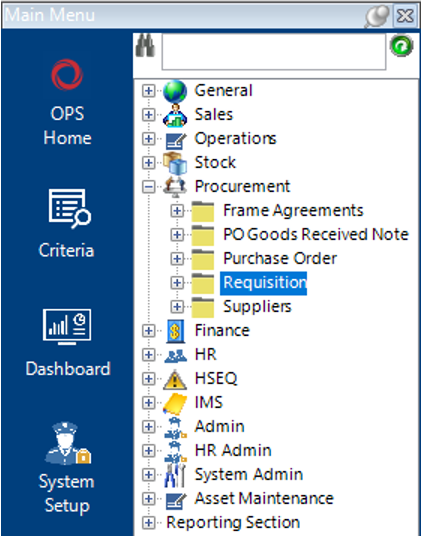
- Select Procurement, then Requisition:
- Select Functions>Import Requisition.
You will receive a warning message asking to make sure that the excel file is NOT already open.
Make sure the excel file is not open and select OK to continue.
- Locate the required file and select Open.
A message will alert you that the Requisition has been created.
Note: The system will automatically open the Requisition for your review.
- Within the excel spreadsheet, notice that the last few columns will now update automatically to show the Requisition details:
