
How to Approve a Requisition
Users within specific roles have the ability to approve requisitions raised within the system.
How to Review and Approve A Requisition
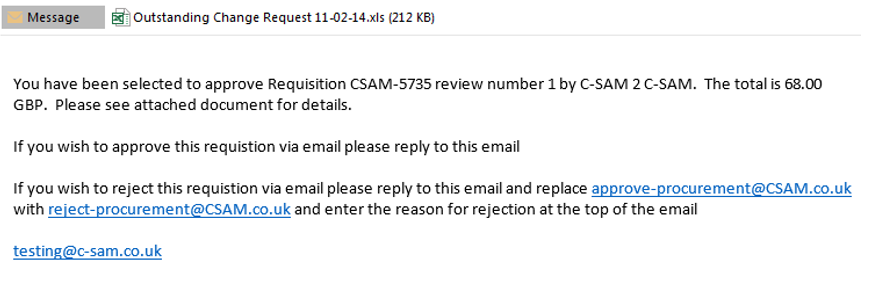
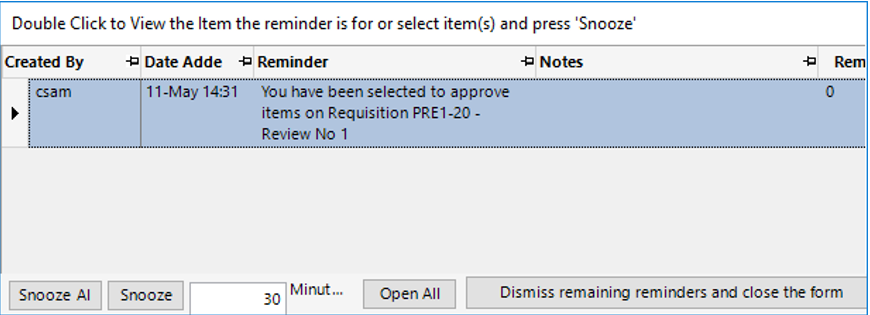
- The user who is responsible for approving the requisition will be sent an email and a reminder via the system.
By Email:
Via the System:
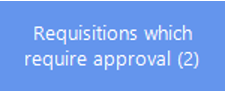
- Requisitions awaiting approval will also show on the Approving Users dashboard as shown:
- Open the relevant record and select Functions>Approve Record.
Click OK on the notifications.