How to Revise an Enquiry
Revisions of enquiries are created by users to amend/add data.
Note: You can only revise an enquiry if it has not been converted into a job.
Locate the Enquiry to be Revised
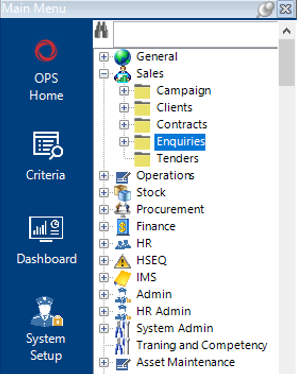
- From the main menu, select Sales, then Enquiries:
- Enter the Enquiry Number, select Search or hit Enter on your keyboard to return the results in grid view:
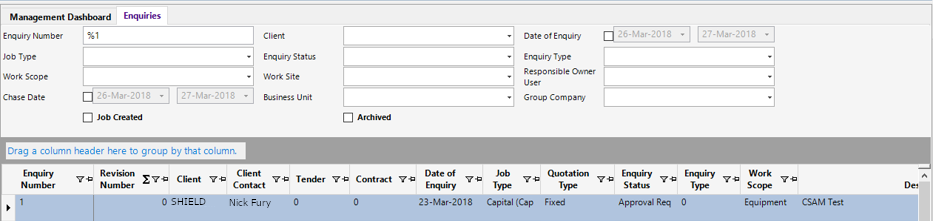
- To open the enquiry, double click on the grey area to the left of the Enquiry Number column as shown:
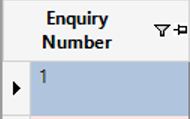
Note: All fields on the enquiry will be Pink indicating that this record has been approved.
Revise the Enquiry
- From the toolbar, select Functions>Revise Enquiry.
- A new record will be added to the Enquiry Revisions tab with a copy of the original quotation report:
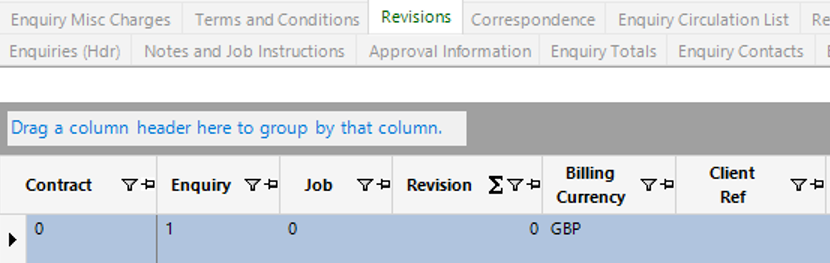
The fields will now unlock and the user can amend/add data to the enquiry.
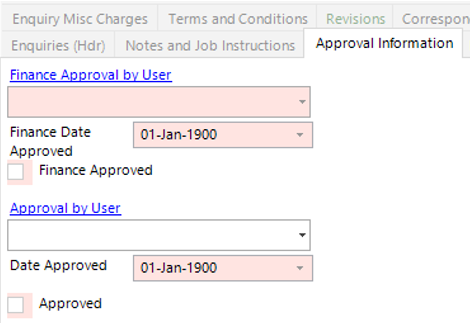
- Enter/Review the ‘Approval by User’ on the Approval Information tab. From the toolbar Select Functions>Request Approval.